-
+86 13720060320
-
lanna@haitangs.com

HMI & Operator Panel Hinge Solutions
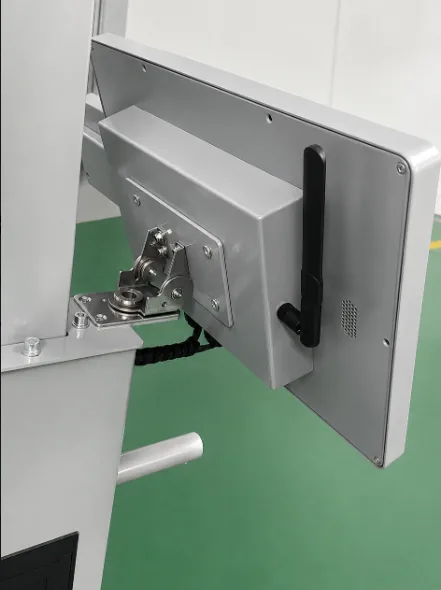
HMI and operator-panel hinges should be selected from the motion the interface must provide. A panel that free-swings, holds at any angle, stops at defined positions or needs field-adjustable resistance may require a different hinge architecture.
Define the required movement first, then check panel mass, center of gravity, mounting space and cable movement before comparing individual models.
How Should the Panel Move?
Begin with the movement and position behavior the interface must provide, then compare the hinge family that fits that requirement.
Free Swing
If the panel only needs to open or rotate without holding a selected position, do not add torque functionality unless the application requires it.
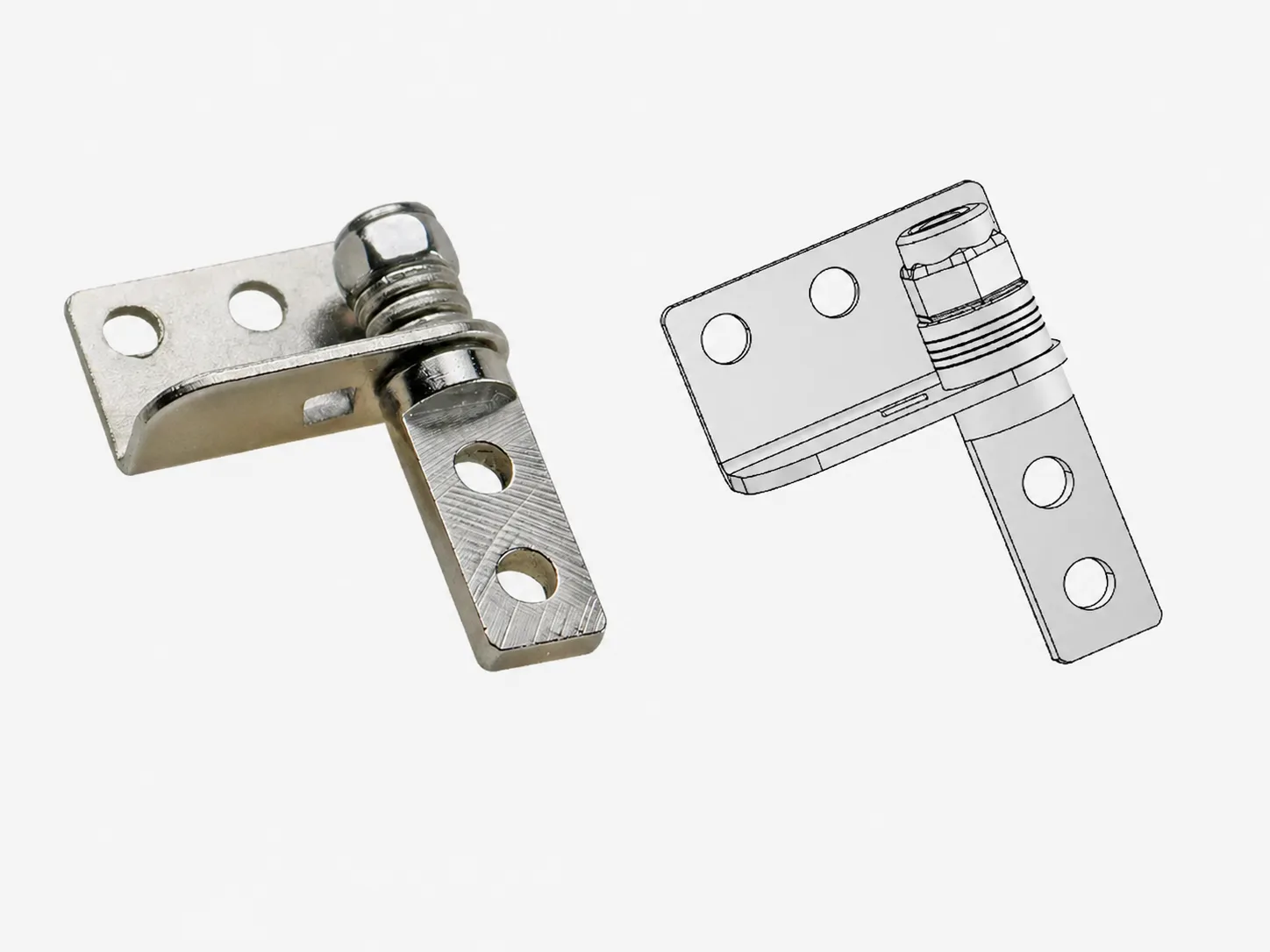
Start with standard Industrial Hinges, or consider Concealed Hinges where external projection must be minimized.
Hold Through the Working Range
If the operator needs to reposition the display and leave it at different usable viewing angles, the hinge must provide resistance through the working range.
Compare Constant Torque Hinges.
Holding Force Must Be Tunable
If the installed panel mass, center of gravity or preferred operating feel may require adjustment after assembly, use an adjustable route.
Compare Adjustable Torque Hinges.
Stop at Defined Positions
If the panel should return to repeatable angular positions rather than hold continuously through the full range, use a positioning route.
Compare Detent / Positioning Hinges.
Swivel or Rotational Repositioning
If the interface needs rotational repositioning beyond a conventional single-axis hinge, the mounting structure and cable path must support that movement.
Compare 360° Swivel Torque Hinges only where this motion is actually required.
What Moves With the Display?
The hinge carries the complete moving assembly, not the display alone. Housing, controls, brackets and components that move with the panel can all change the installed load seen at the hinge.
Two panels with the same total mass can require different holding behavior when their centers of gravity sit at different distances from the hinge axis.
Include:
- Display and housing
- Push buttons, switches or controls mounted to the panel
- Mounting brackets
- Accessories moving with the interface
- The portion of the cable system that moves with the panel
If continuous position holding is required, review the detailed torque and center-of-gravity relationship before selecting a model.
Check the Installation and Cable Envelope
Confirm the working position, available mounting space and cable movement in the installed assembly before choosing a hinge model.
A torque hinge should not be selected only because the panel is adjustable. The hinge must provide enough resistance for the installed panel and its center of gravity without making normal repositioning unnecessarily difficult.
Viewing range
Confirm the useful operating-angle range rather than only the maximum mechanical opening angle.
Operator reach
The selected position should remain usable without forcing the operator to reach around the panel or surrounding machine structure.
Mounting envelope
Check hinge width, mounting face, fastener access and nearby machine structure. A Mini / Compact Torque Hinge may enter the comparison where the mounting envelope is restricted.
Cable movement
Confirm cable slack, connector position and the cable path through the full working movement.
What to Send With the Panel Drawing
A model review can begin with the panel drawing and the motion information already available. The following details help confirm the hinge route and mounting interface before sampling.
Panel
- Width and height
- Complete moving mass
- Center of gravity where known
- Display / control mounted components
Motion
- Working-angle range
- Free swing / continuous hold / detent / swivel
- Required direction of movement
Mounting
- Available hinge envelope
- Panel and frame structure
- Fastener access
- Number and position of hinges
Interface
- Display / control layout
- Cable exit location
- Cable movement
- Nearby machine clearance
Confirm the selected model against the released panel assembly and mounting interface before sampling.
Engineering Review for HMI and Operator Panel Projects
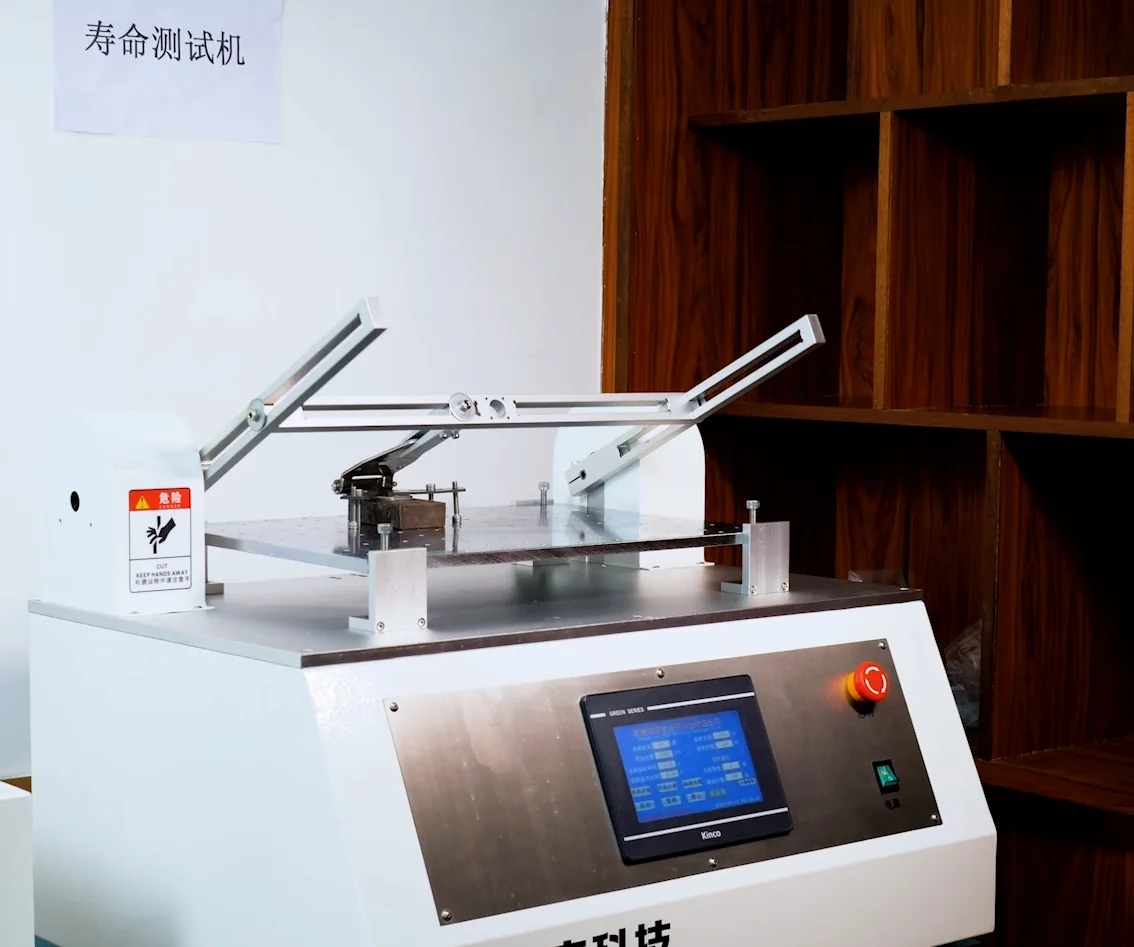
HSP can review the panel geometry, moving mass, center-of-gravity position, required motion and mounting envelope before an individual hinge model is released for sampling.
For torque-hinge applications, the complete moving assembly and intended working-angle range should be reviewed together rather than selecting from panel weight alone.
- Motion requirement review
- Torque / positioning route selection
- Mounting interface review
- Drawing / sample confirmation
Related Engineering References
Use these detailed guides when the project needs the selection mechanics behind holding behavior, general hinge comparison or adjustment verification.
Torque Hinge for Industrial HMI Panels: Selection Guide
Review holding torque, center of gravity, position drift and detailed HMI selection mechanics.
How to Choose an Industrial Hinge
Use the broader workflow when the project still needs to compare load, mounting, material, environment, service and motion across hinge types.
How to Adjust a Torque Hinge | Setup and Verification
Review the setup and verification process when an adjustable torque route has already entered the comparison.
Send Your HMI or Operator Panel Details
For an initial hinge review, send the panel information already available from the assembly or machine drawing.
Helpful details:
- Panel size
- Complete moving mass
- Working-angle range
- Required position behavior
- Available hinge space
- Cable routing or connector location
- Drawing or photo if available
Complete project data is not required for an initial review.
Send Application Details
Include any available panel size, moving mass, working-angle range, mounting or cable details. A drawing is helpful when available.